


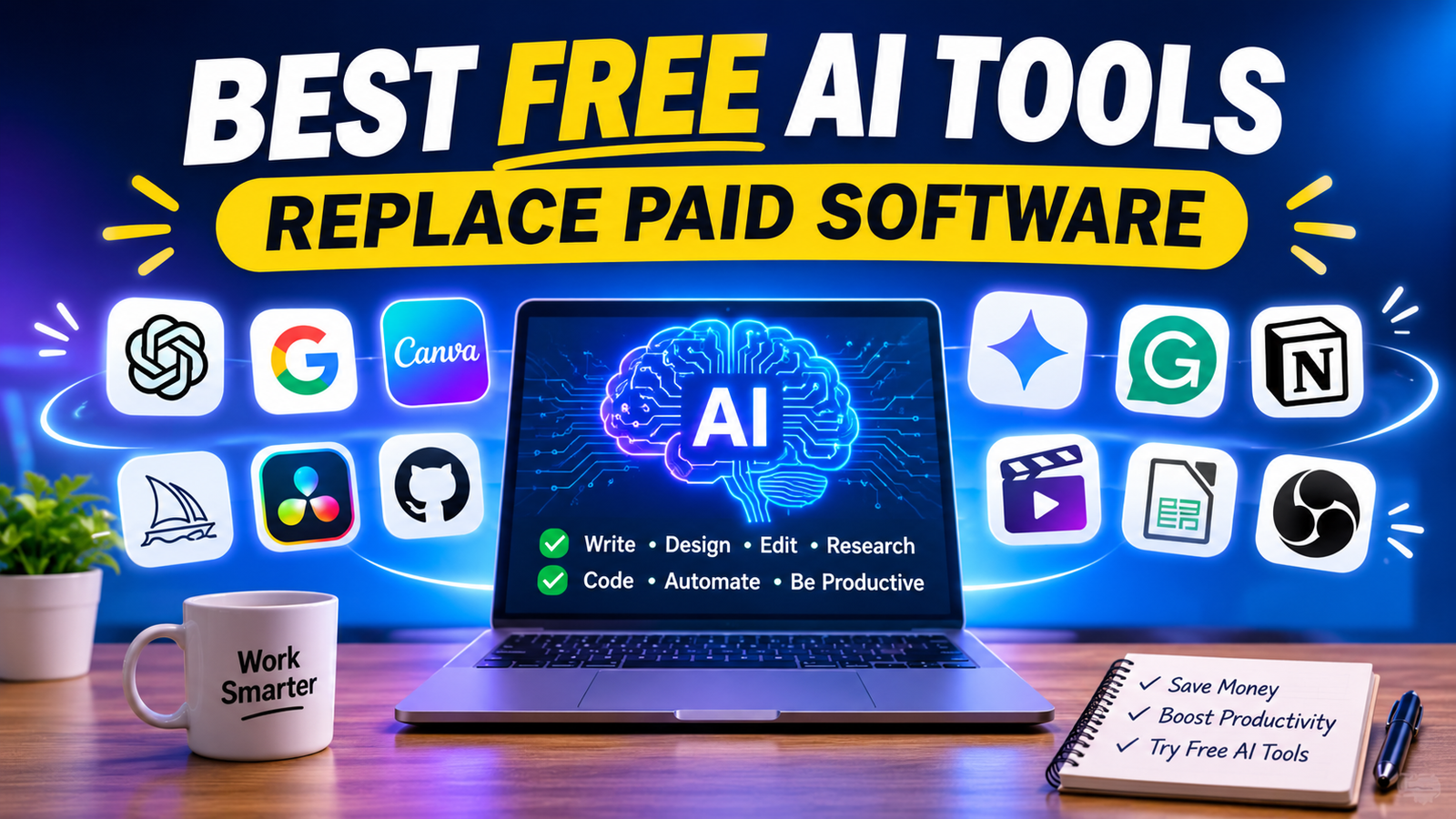
Discover the Best Free AI Tools That Can Replace Paid Software 2026. Explore free AI tools for writing, design, video editing, coding and productivity.
Best Free AI Tools That Can Replace Paid Software in 2026
Have you ever wanted to use professional software but stopped because of its expensive monthly subscription? Whether you are a student, freelancer, content creator, blogger, or business owner, software expenses can quickly become a burden.
The good news is that artificial intelligence has changed the way people work. Today, you can find powerful free AI tools that help you write articles, design graphics, edit videos, conduct research, generate code, and automate everyday tasks without immediately purchasing expensive software.
The best free AI tools that can replace paid software are not necessarily identical to premium applications. However, many provide enough features to handle everyday tasks without requiring a paid subscription.
For example, you can use ChatGPT instead of paying for basic AI writing assistance, Canva for graphic design, DaVinci Resolve for professional video editing, and GitHub Copilot Free for AI-powered coding assistance.
In this guide, we will explore 15 useful free AI tools and free software alternatives, explain their features and limitations, and help you choose the right options for your needs.
1. Best Free AI Tools for Writing, Research and Content Creation
Writing and research are among the most common uses of artificial intelligence. Instead of paying for multiple writing applications, you can combine free AI assistants to research topics, create outlines, improve grammar, and prepare content.
1. ChatGPT – Best Free AI Assistant
Official website: https://chatgpt.com/
ChatGPT is one of the most versatile AI assistants for everyday work. It can help users generate blog ideas, write product descriptions, summarize information, explain difficult concepts, create social media captions, and assist with coding.
It is a useful alternative to basic paid AI writing assistants and brainstorming software.
Key features:
- Generate blog posts and content ideas.
- Write product descriptions and marketing copy.
- Summarize documents and information.
- Help with research and brainstorming.
- Explain complex topics in simple language.
- Assist with programming and debugging.
Free plan limitation: Some advanced features, file uploads, image generation, and research capabilities have usage limits.
Best for: Bloggers, students, freelancers, entrepreneurs, and digital marketers.
2. Google Gemini – Best for Productivity and Research
Official website: https://gemini.google.com/
Google Gemini is an AI assistant that helps users understand information, generate content, solve problems, and work with different types of input.
It is particularly useful for people who regularly use Google’s ecosystem.
You can use Gemini for brainstorming, summarizing information, drafting emails, creating study notes, and exploring ideas.
Key features:
- AI-powered writing assistance.
- Research and information summaries.
- Image understanding and generation features.
- Brainstorming and idea generation.
- Assistance with everyday productivity.
- Integration with supported Google services.
Free plan limitation: Access to advanced models and certain features is restricted by usage limits and subscription requirements.
Best for: Students, office professionals, researchers, and business owners.
3. Claude – Best for Natural-Sounding Writing
Official website: https://claude.ai/
Claude is an AI assistant developed by Anthropic. It is particularly useful for long-form writing, document analysis, content editing, and understanding complex information.
If you want to create natural-sounding articles or improve an existing draft, Claude can help you organize your thoughts and improve readability.
Key features:
- Long-form content assistance.
- Article editing and rewriting.
- Document analysis.
- Summarization and brainstorming.
- Coding and problem-solving assistance.
Free plan limitation: Usage is limited and may vary depending on demand and the model available.
Best for: Bloggers, researchers, content writers, and professionals.
4. Perplexity AI – Best Free Research Alternative
Official website: https://www.perplexity.ai/
Researching information from different websites can take a considerable amount of time. Perplexity helps simplify this process by generating answers based on web sources and displaying citations.
Instead of opening numerous websites manually, you can ask a question and explore the sources behind the answer.
Key features:
- AI-powered web research.
- Source-linked answers.
- Topic exploration.
- Follow-up research questions.
- Basic file uploads with limits.
Free plan limitation: Advanced research, premium models, and other features have restricted access.
Best for: Bloggers, students, journalists, and digital marketers.
5. Grammarly – Best Free Grammar and Writing Assistant
Official website: https://www.grammarly.com/
Grammarly helps improve grammar, spelling, clarity, and writing quality. It is useful when preparing professional emails, blog articles, business documents, and social media content.
For users who need basic proofreading, the free plan can reduce the need for a paid grammar-checking subscription.
Key features:
- Grammar and spelling suggestions.
- Writing clarity improvements.
- Tone-related feedback.
- Basic writing assistance.
- Browser and application integrations.
Free plan limitation: More advanced rewriting and premium writing features require a paid plan.
Best for: Students, bloggers, business professionals, and content writers.
2. Best Free AI Tools for Graphic Design and Image Editing
Graphic design software can be expensive, particularly for freelancers and small businesses. Fortunately, free design platforms and image editors offer useful alternatives for creating professional visuals.
6. Canva – Best Free Graphic Design Tool
Official website: https://www.canva.com/
Canva is a popular graphic design platform that makes it easy to create professional-looking designs without advanced design knowledge.
You can create blog featured images, YouTube thumbnails, Instagram posts, presentations, advertisements, and business graphics.
Its free plan includes templates, design elements, and limited AI features.
Key features:
- Ready-made design templates.
- Drag-and-drop editor.
- Social media graphics.
- Presentations and posters.
- Limited AI-powered design tools.
- Basic photo and video editing.
Free plan limitation: Premium templates, stock assets, and some advanced AI features require a paid plan.
Best for: Bloggers, social media managers, small businesses, and beginners.
7. Photopea – Best Free Photoshop Alternative
Official website: https://www.photopea.com/
Photopea is a browser-based image editor that offers many familiar editing features found in professional image editing applications.
You can edit images, create product graphics, work with layers, remove backgrounds manually, and modify PSD files.
It is especially useful for users who want advanced image editing without purchasing a Photoshop subscription.
Key features:
- Layer-based image editing.
- PSD file compatibility.
- Background and object editing.
- Text and graphic design.
- Image cropping and retouching.
- Browser-based access.
Free plan limitation: The free version includes advertising, and some features or workflows may differ from professional desktop software.
Best for: Graphic designers, bloggers, e-commerce sellers, and students.
8. GIMP – Best Free Image Editing Software
Official website: https://www.gimp.org/
GIMP is a free, open-source image editor that can replace many everyday Photoshop workflows.
It is suitable for photo retouching, image manipulation, digital artwork, and graphic design.
Unlike many subscription-based editing applications, GIMP does not require a monthly payment.
Key features:
- Photo retouching.
- Layer-based editing.
- Image manipulation.
- Custom brushes and plugins.
- Color correction.
- Open-source customization.
Limitation: GIMP has a learning curve, and some professional Photoshop workflows may require different methods or plugins.
Best for: Designers, photographers, students, and budget-conscious creators.
3. Best Free AI Tools for Video Editing and Content Creation
Video content is becoming increasingly important for YouTube, Instagram, online businesses, and digital marketing.
Instead of immediately purchasing expensive video editing software, you can start with free editing and recording applications.
9. DaVinci Resolve – Best Free Professional Video Editor
Official website: https://www.blackmagicdesign.com/products/davinciresolve
DaVinci Resolve is a powerful video editing application that combines editing, color correction, visual effects, motion graphics, and audio post-production.
Its free version is suitable for many creators who want professional editing capabilities without paying for a subscription.
Key features:
- Professional video editing.
- Color correction and grading.
- Audio editing.
- Visual effects.
- Motion graphics.
- Multi-format video export.
Free plan limitation: Some advanced AI-powered tools, effects, and professional features are reserved for DaVinci Resolve Studio.
Best for: YouTubers, filmmakers, video editors, and content creators.
10. OBS Studio – Best Free Screen Recording and Streaming Software
Official website: https://obsproject.com/
OBS Studio is free, open-source software for screen recording and live streaming.
It is a strong alternative to paid screen-recording applications. You can record tutorials, create educational videos, capture software demonstrations, and stream live content.
Key features:
- Screen recording.
- Live streaming.
- Audio and video mixing.
- Multiple scenes and sources.
- Custom recording settings.
- Plugin support.
Limitation: OBS does not provide a complete AI video editing workflow. Users may need additional applications for editing and captions.
Best for: YouTubers, educators, gamers, and online trainers.
11. CapCut – Best for Short-Form Video Editing
Official website: https://www.capcut.com/
CapCut is a video editing platform widely used for creating short-form content.
It is useful for editing Instagram Reels, YouTube Shorts, promotional videos, and social media advertisements.
Key features:
- Video trimming and transitions.
- Text and subtitle features.
- Templates and effects.
- Basic audio editing.
- AI-assisted editing features where available.
- Social media video formats.
Free plan limitation: Some templates, effects, AI tools, and export features may require a paid subscription or have regional restrictions.
Best for: Influencers, social media managers, YouTubers, and beginners.
4. Best Free AI Tools for Coding, Productivity and Business
AI is also changing software development and everyday business operations. Developers can use coding assistants, while small businesses can use free office applications and AI research tools to reduce operating costs.
12. GitHub Copilot Free – Best Free AI Coding Assistant
Official website: https://github.com/features/copilot
GitHub Copilot helps developers write code, understand programming concepts, and improve their development workflow.
Its free plan provides a limited monthly allowance, making it a useful starting point for students and beginner developers.
Key features:
- AI-powered code suggestions.
- Code completion.
- Coding assistance in supported editors.
- Programming explanations.
- Limited chat and agent functionality.
Free plan limitation: GitHub currently lists 2,000 code completions per month for its Free plan, alongside limited AI chat and agent usage.
Best for: Students, programmers, developers, and coding beginners.
13. Google NotebookLM – Best Free AI Research Assistant
Official website: https://notebooklm.google.com/
NotebookLM is a research and note-taking assistant that helps users understand information from their own source materials.
You can add supported documents and sources, ask questions about them, create summaries, and organize your research.
It is especially useful for students and bloggers who work with lengthy documents.
Key features:
- Document-based research.
- Source-grounded answers.
- Summaries and study notes.
- Question answering.
- Audio Overviews.
- Research organization.
Free plan limitation: Usage limits apply, and some higher-capacity features require paid access.
Best for: Students, researchers, bloggers, and professionals.
14. LibreOffice – Best Free Microsoft Office Alternative
Official website: https://www.libreoffice.org/
Not every useful free software alternative needs to be powered by AI. LibreOffice is an open-source office suite that can replace many everyday Microsoft Office workflows.
It includes applications for writing documents, preparing spreadsheets, creating presentations, and managing databases.
Key features:
- Writer for document creation.
- Calc for spreadsheets.
- Impress for presentations.
- Compatibility with many Microsoft Office file formats.
- Offline functionality.
- No subscription requirement.
Limitation: Some advanced Microsoft 365 collaboration and cloud-based workflows are not available in the same way.
Best for: Students, freelancers, office workers, and small businesses.
15. Notion – Best for Notes and Productivity
Official website: https://www.notion.so/
Notion is a workspace for managing notes, tasks, projects, documents, and team knowledge.
Its free plan is useful for individuals who want to organize their daily work without immediately purchasing a premium productivity platform.
Key features:
- Notes and documentation.
- Task management.
- Project organization.
- Templates.
- Databases.
- Basic collaborative workspace features.
Free plan limitation: Advanced AI capabilities and some collaboration features require paid access.
Best for: Students, freelancers, entrepreneurs, and small teams.
5. Free AI Tools vs Paid Software: Which Should You Choose?
Free software has become powerful enough to handle many everyday professional tasks. However, free alternatives do not always provide every feature available in premium applications.
Here is a practical comparison:
| Requirement | Free alternative | Paid software it can replace for basic tasks |
|---|---|---|
| AI writing | ChatGPT, Gemini | Jasper |
| Research | Perplexity, NotebookLM | Premium research subscriptions |
| Grammar checking | Grammarly Free | Grammarly Pro |
| Graphic design | Canva Free | Canva Pro |
| Image editing | Photopea, GIMP | Adobe Photoshop |
| Video editing | DaVinci Resolve | Premium video editors |
| Screen recording | OBS Studio | Paid recording tools |
| Coding assistance | GitHub Copilot Free | Paid coding assistant plans |
| Office documents | LibreOffice | Microsoft Office |
| Productivity | Notion Free | Paid productivity workspaces |
Can Free AI Tools Really Replace Paid Software?
Yes, but it depends on your requirements.
For example, a blogger who writes four articles per month may find free AI writing tools sufficient. A small business owner creating occasional social media posts may not need a premium graphic design subscription.
However, a professional video editor working with large commercial projects may need premium features, advanced collaboration, and additional export options.
The smartest approach is to identify which features you actually use before purchasing a subscription.
How to Choose the Right Free AI Tool
Before choosing any software, consider these factors:
- Features: Does the free version include the features you need?
- Usage limits: Are there daily, monthly, or credit-based restrictions?
- Ease of use: Can you learn the application without extensive training?
- Privacy: Does the platform handle your uploaded information appropriately?
- Commercial usage: Are you allowed to use its output for business purposes?
- Export options: Can you download your work in the required format?
- Upgrade costs: Will the free version remain useful as your requirements grow?
Remember that free plans can change. Always check the official pricing page before making a long-term decision.
Conclusion: Best Free AI Tools That Can Replace Paid Software 2026
You no longer need to purchase expensive software subscriptions for every task. The best free AI tools that can replace paid software offer practical solutions for writingContact us, research, graphic design, video editing, coding, and productivity.
Tools such as ChatGPT, Gemini, Perplexity, Canva, Photopea, DaVinci Resolve, and GitHub Copilot can help individuals and businesses complete many everyday tasks without an immediate financial investment.
However, the best tool is not necessarily the one with the most features. It is the one that solves your problem, fits your workflow, and stays within your budget.
Start with the free versions, test their capabilities, and upgrade only when you genuinely need additional features.
Which free AI tool do you use most often? Share your experience and help other readers discover useful software without spending unnecessarily.
Contact us:Contact – bhimanshu